
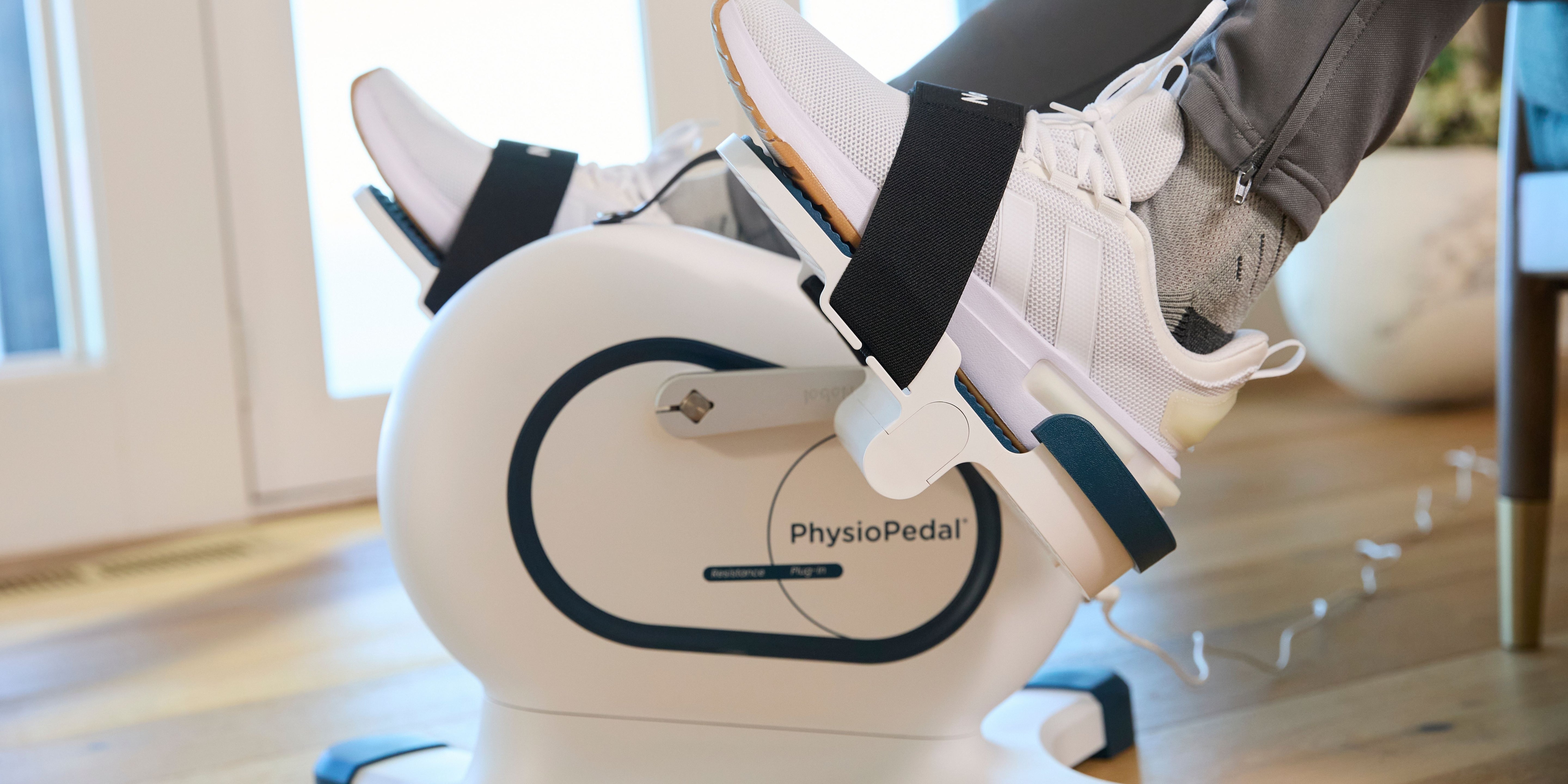
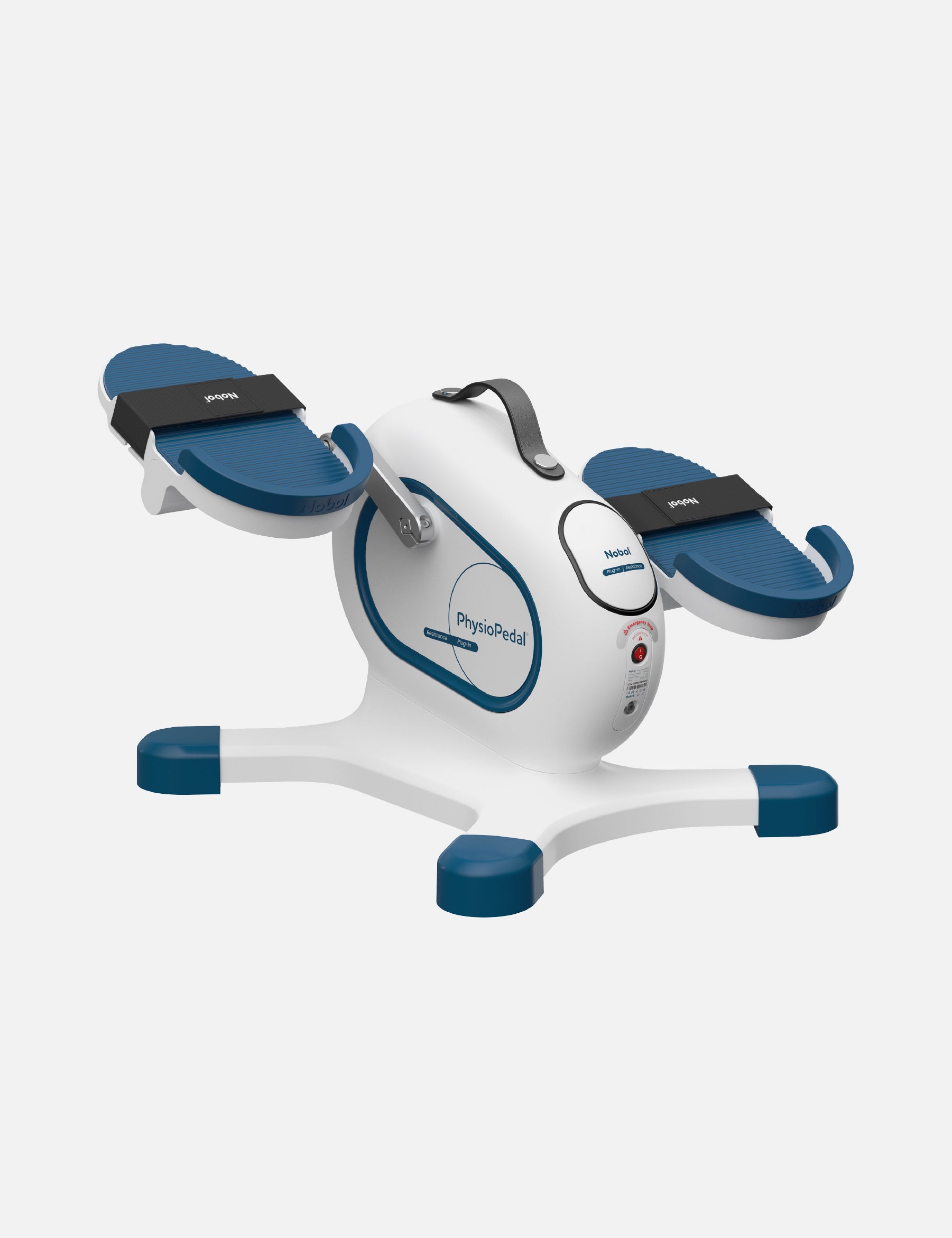
Thank you for choosing the Nobol PhysioPedal®.
This page provides access to helpful product resources, instructional videos, and customer support information.
Thank you for choosing the Nobol PhysioPedal®.
This page provides access to helpful product resources, instructional videos, and customer support information.
FAQs & Quick Guidance
Learn more about PhysioPedal's assisted movement, resistance training capabilities, and available accessories.
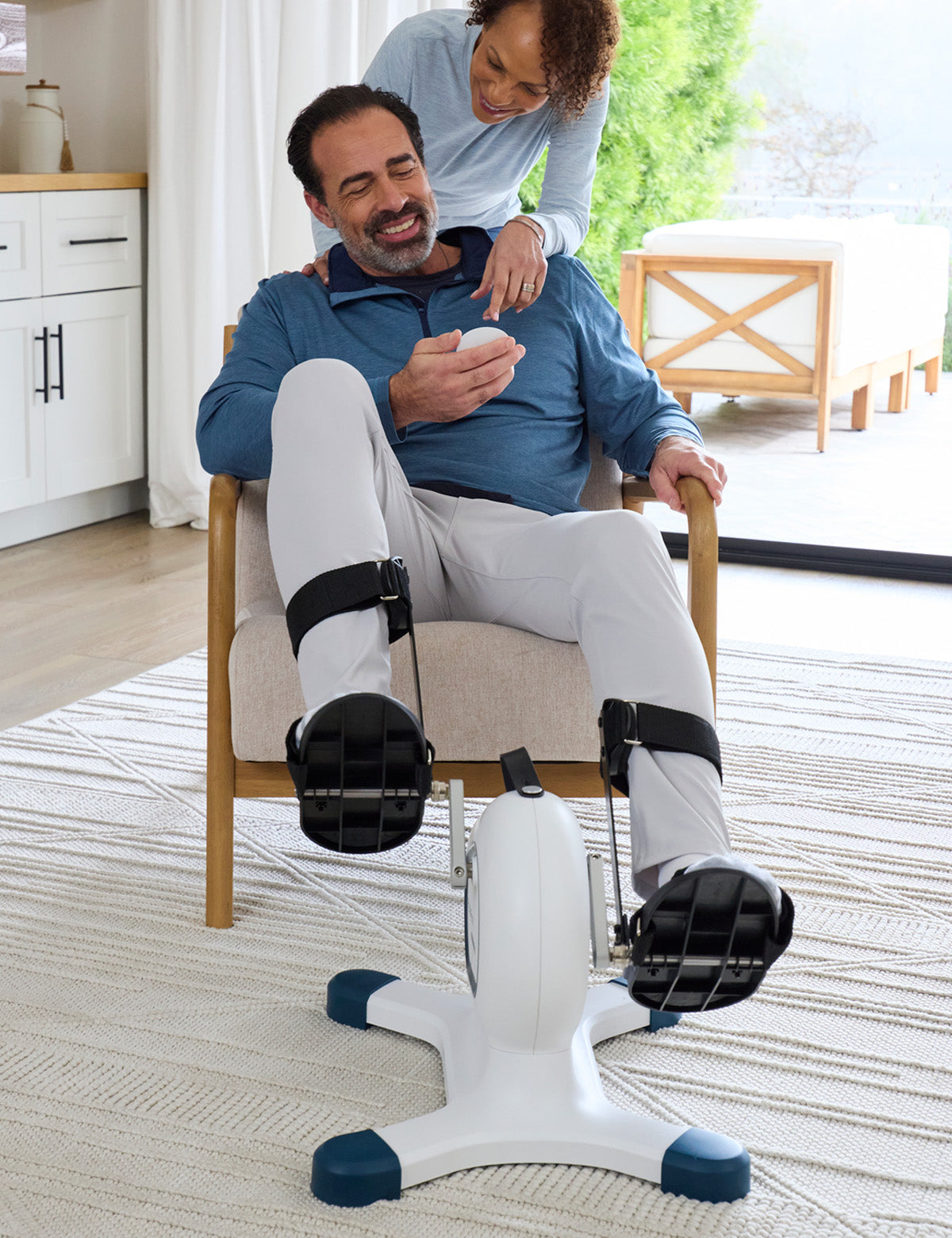
Controlled Bi-Directional Pedaling Pedal forward or backward with 8 motor-assisted speeds to support passive movement and circulation. Switch to resistance pedaling when you’re ready to build strength and endurance — perfect for rehabilitation and ongoing conditioning.
Upper + Lower Body Training Quick-release design allows easy switching between leg cycling and arm pedaling, delivering a complete, low-impact workout that keeps your whole body engaged.
Low-Impact Strength & Mobility
• Supports healthy circulation
• Helps maintain joint comfort
Encourages a natural range of motion Ideal for daily movement without added joint stress.
Built for Recovery & Medical Use
• Post-injury or post-surgery rehabilitation
• Limited mobility or neurological support
• Maintaining strength and independence PhysioPedal Pro® adapts to your pace while supporting long-term mobility goals.
Comfortable, Secure Design
• Seated use for added balance and safety
• Auto-stop safety protection
• Stable, non-slip base Thoughtfully designed to support confidence at every stage of recovery.
User-Friendly LED Display + Remote
Large, easy-to-read display and simple remote control let you track progress and adjust settings without bending or strain.
Compact & Portable
Lightweight and easy to move, so therapy fits seamlessly into your home, clinic, or office environment.
Click here to visit our Youtube page, or scroll down to towards the end of this page for the assembly video.
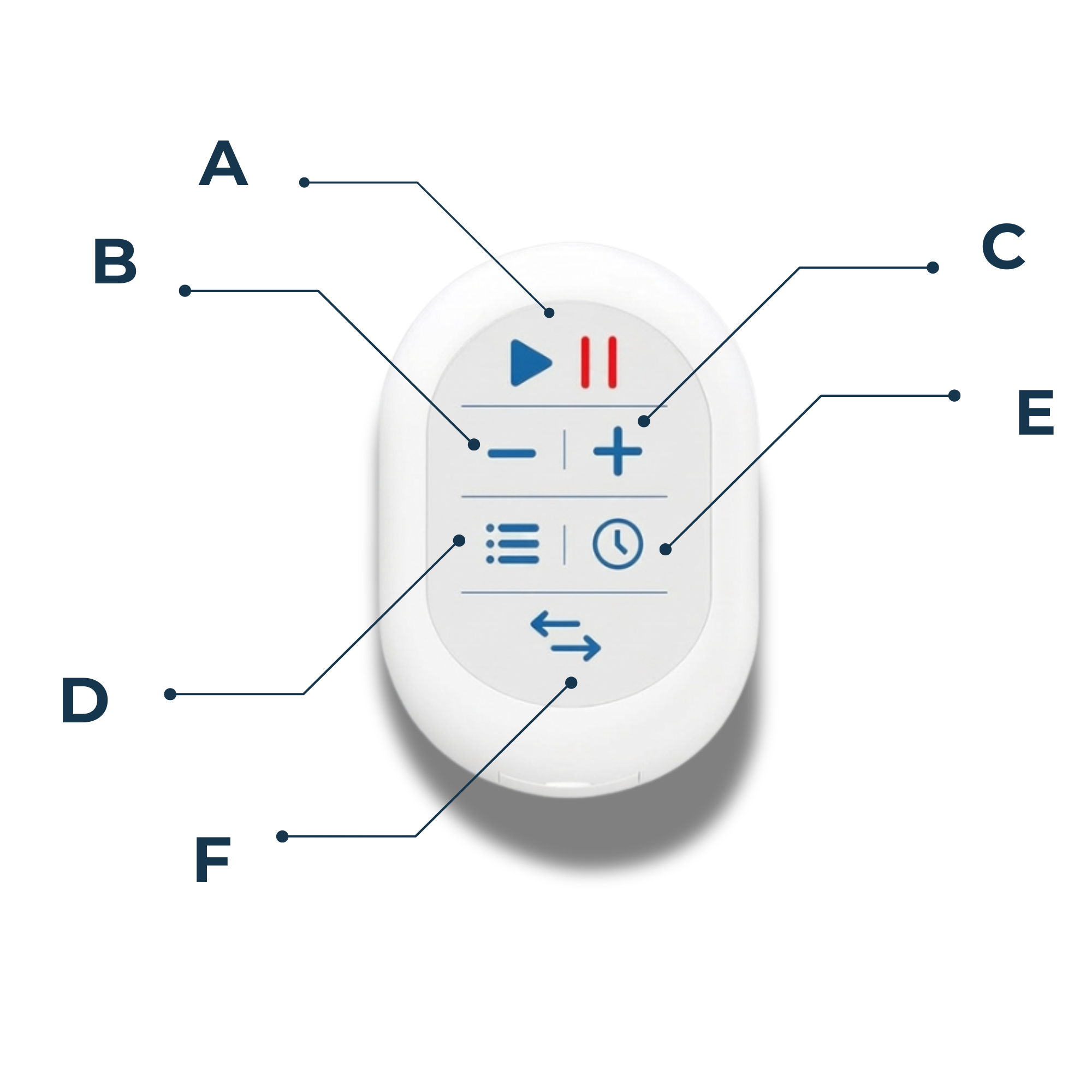
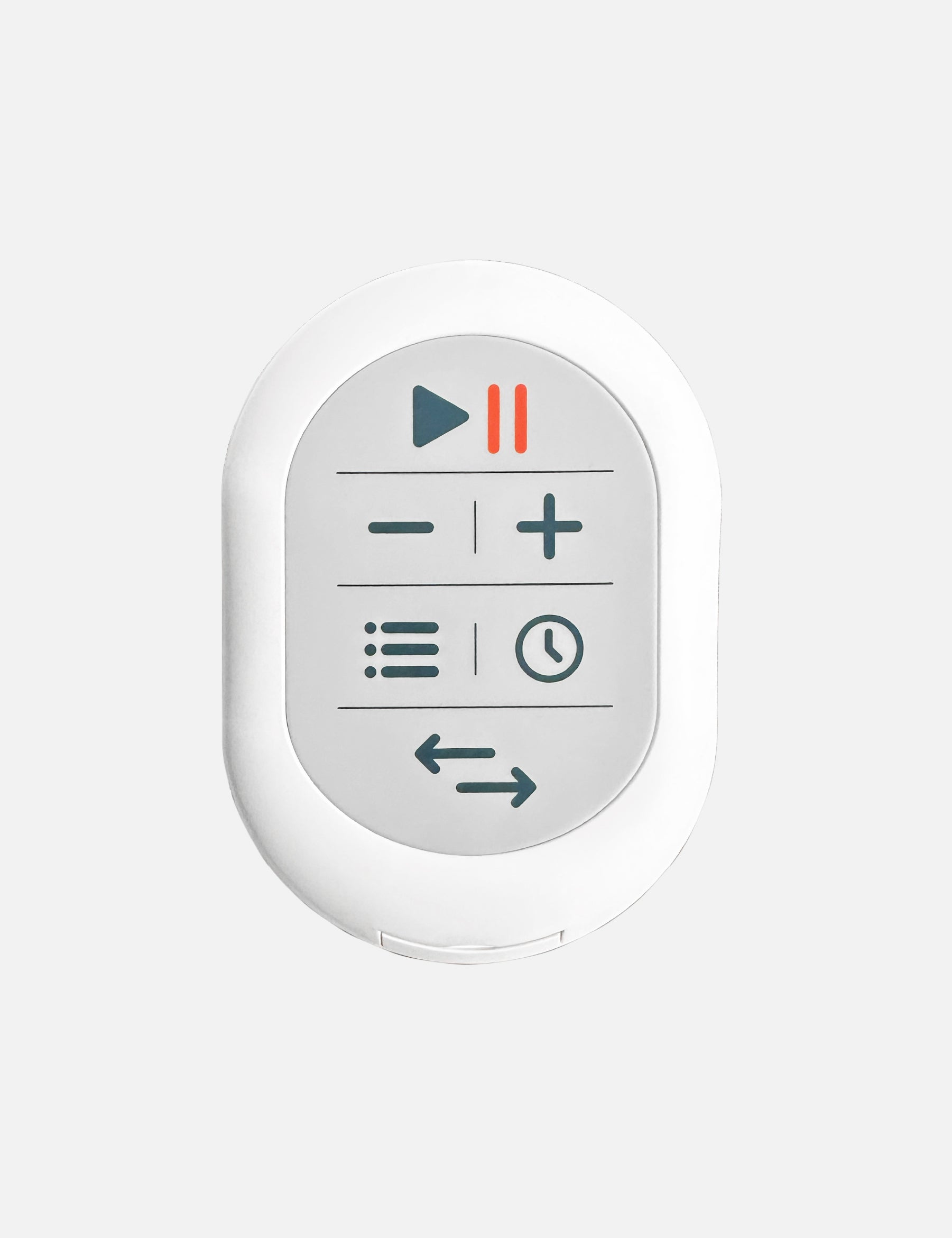
Navigating the Remote
A- Start/Stop for assisted mode
B- Decrease speed or resistance
C-Increase speed or resistance (Up to 8 levels)
D-Menu - (Display timer, calories, or steps)
E-Timer - Can be set between 10 - 90 minutes in increments of 10 minutes.
F-Switch Direction - Pedals move forwards or backwards in motor-assisted mode
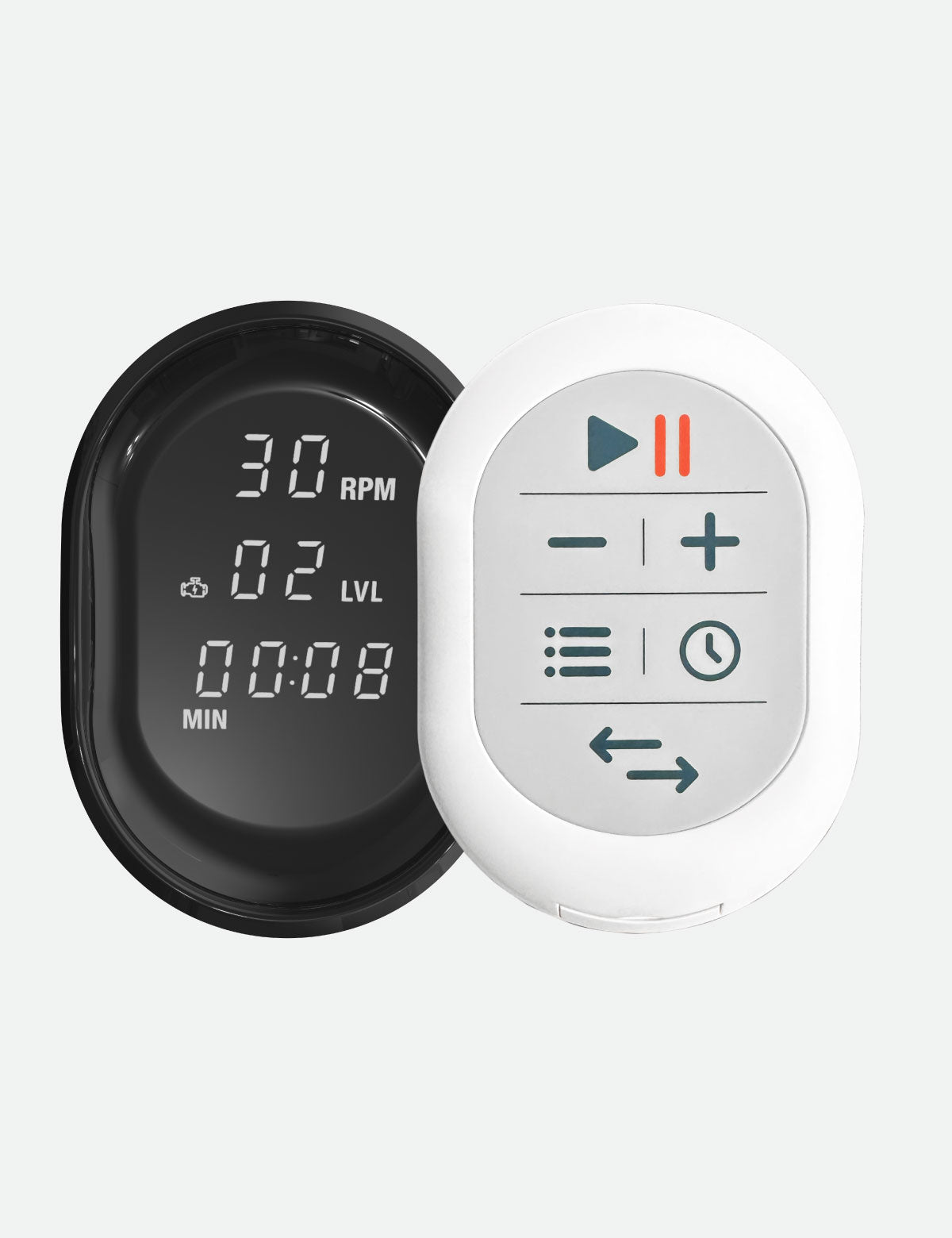
Default Manual Mode
Start pedaling at any time to activate manual mode
User controls the pedaling speed and sets their resistance level using the "+" or "-" buttons on the remote.
A foot icon will be displayed on the screen when using manual mode.
Ensure you are pedaling on a flat, even surface. If the machine feels unstable, it will automatically stop with an "Error 1" message.
Motor-Assisted Mode
Rest feet on the pedals and activate motor-assisted mode by pressing the start button on the remote.
Modify speed using the "+" or "-" buttons (range: 20 RPM to 90 RPM).
Note: The device automatically switches to manual mode if pressure is applied to the pedals. If this happens, simply press the start button to switch back to motor-assisted mode.
Parts & Accessories
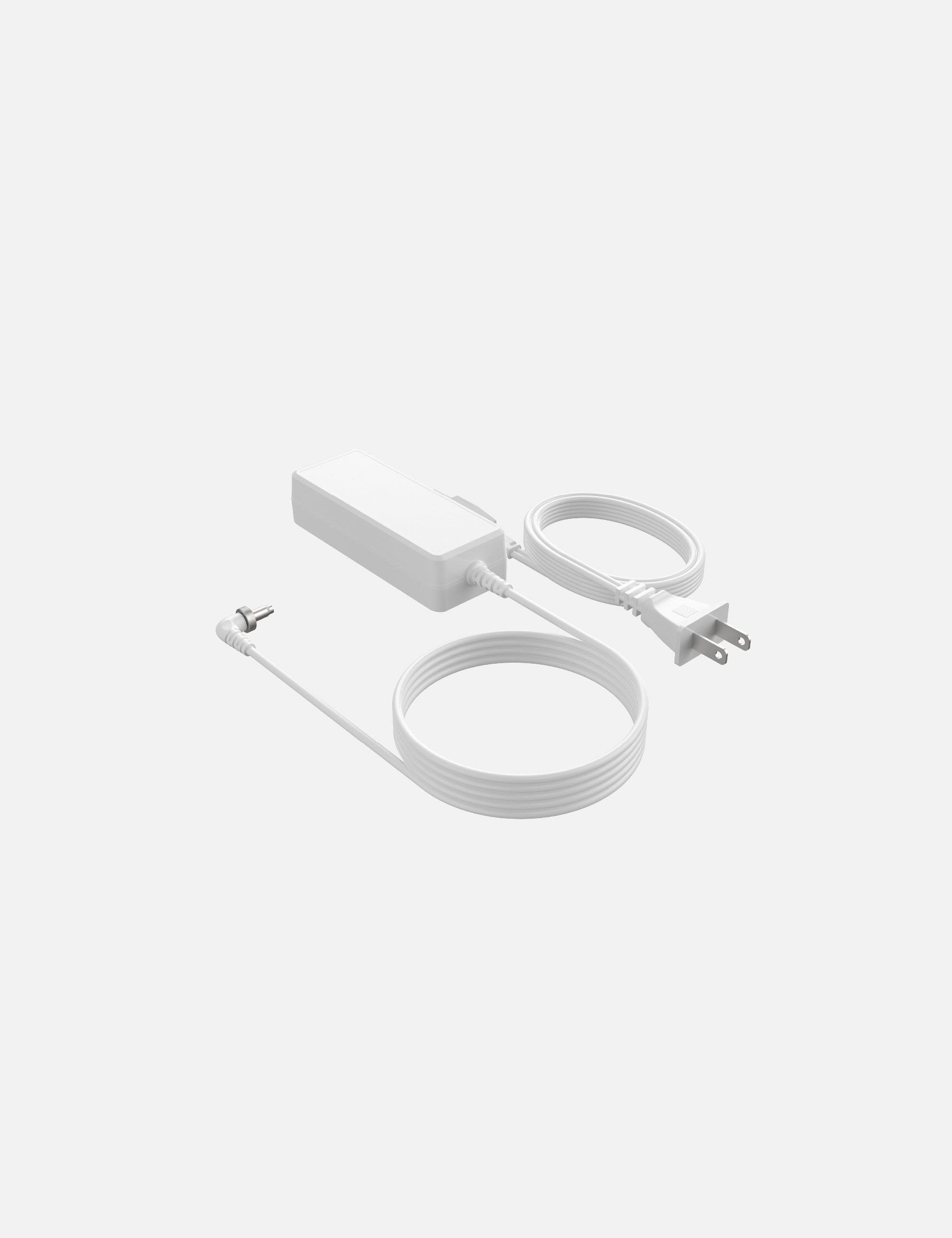
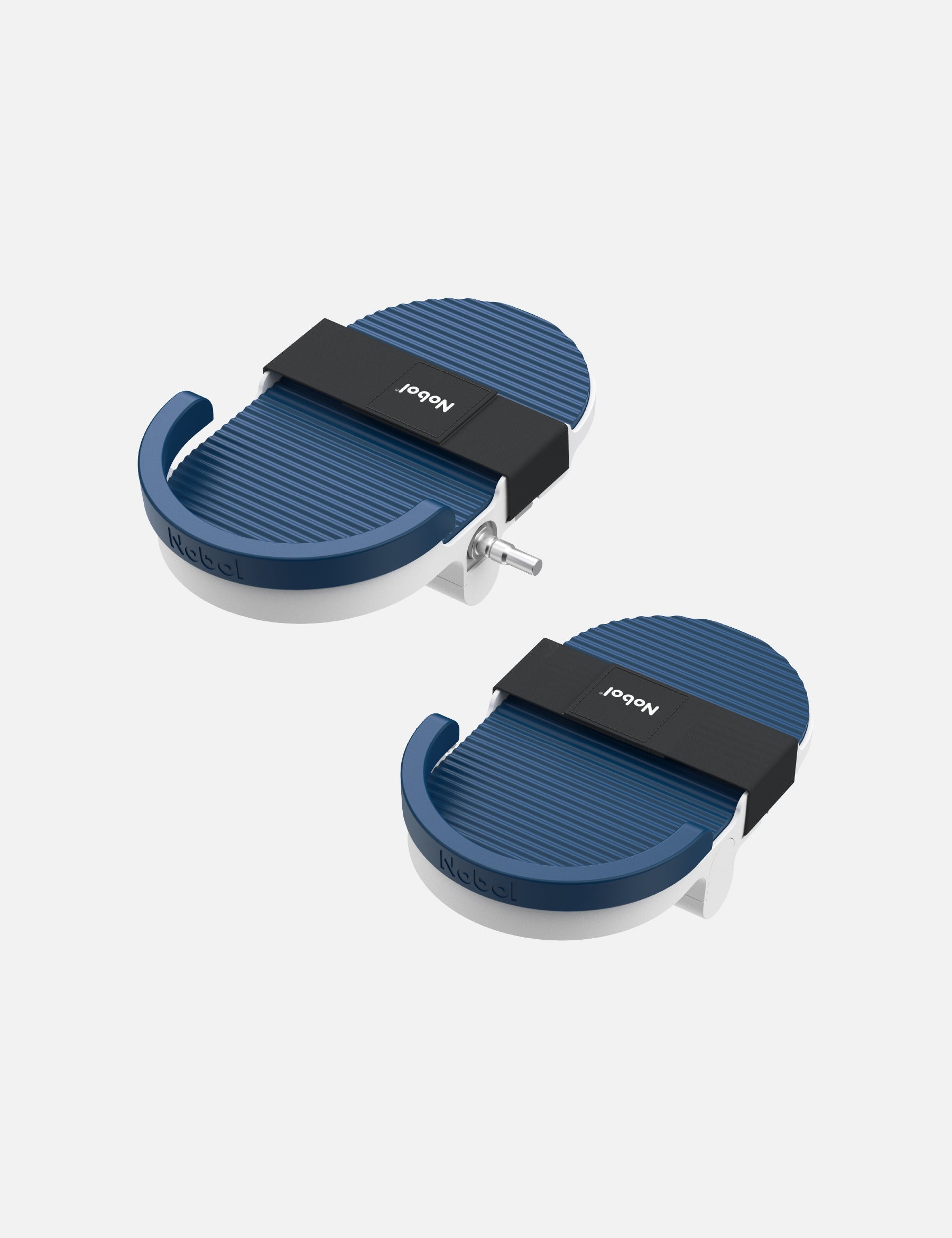
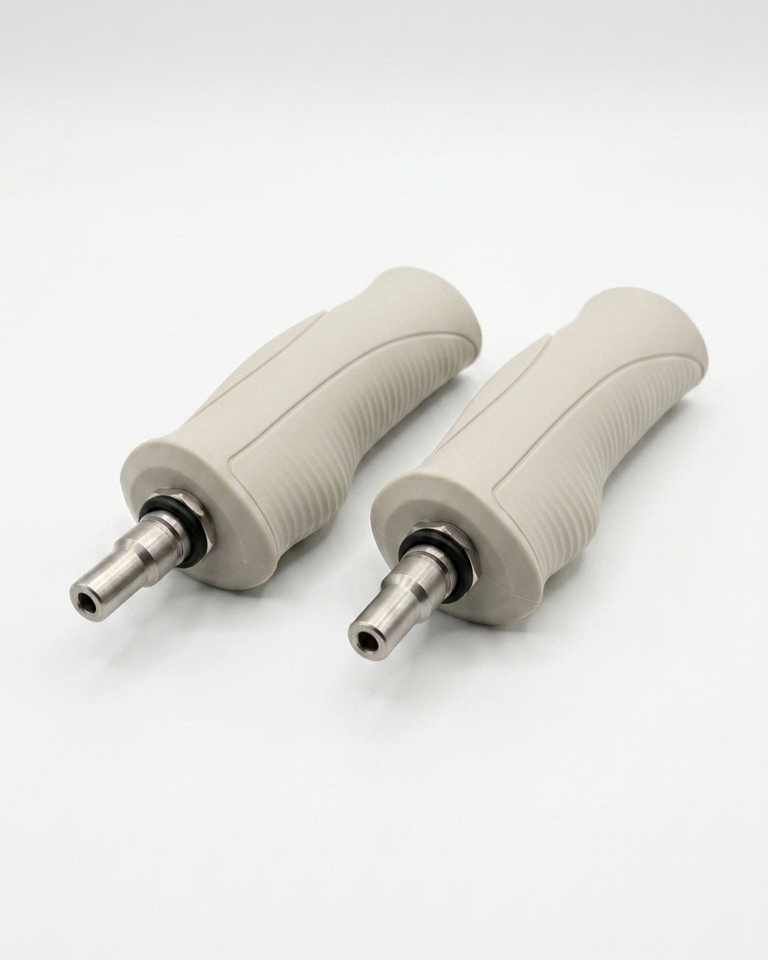
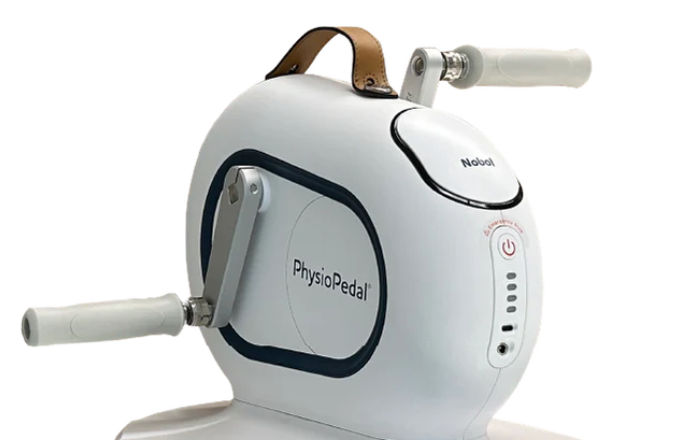
Purchase additional parts and accessories for your PhysioPedal® or contact customer service for additional support.
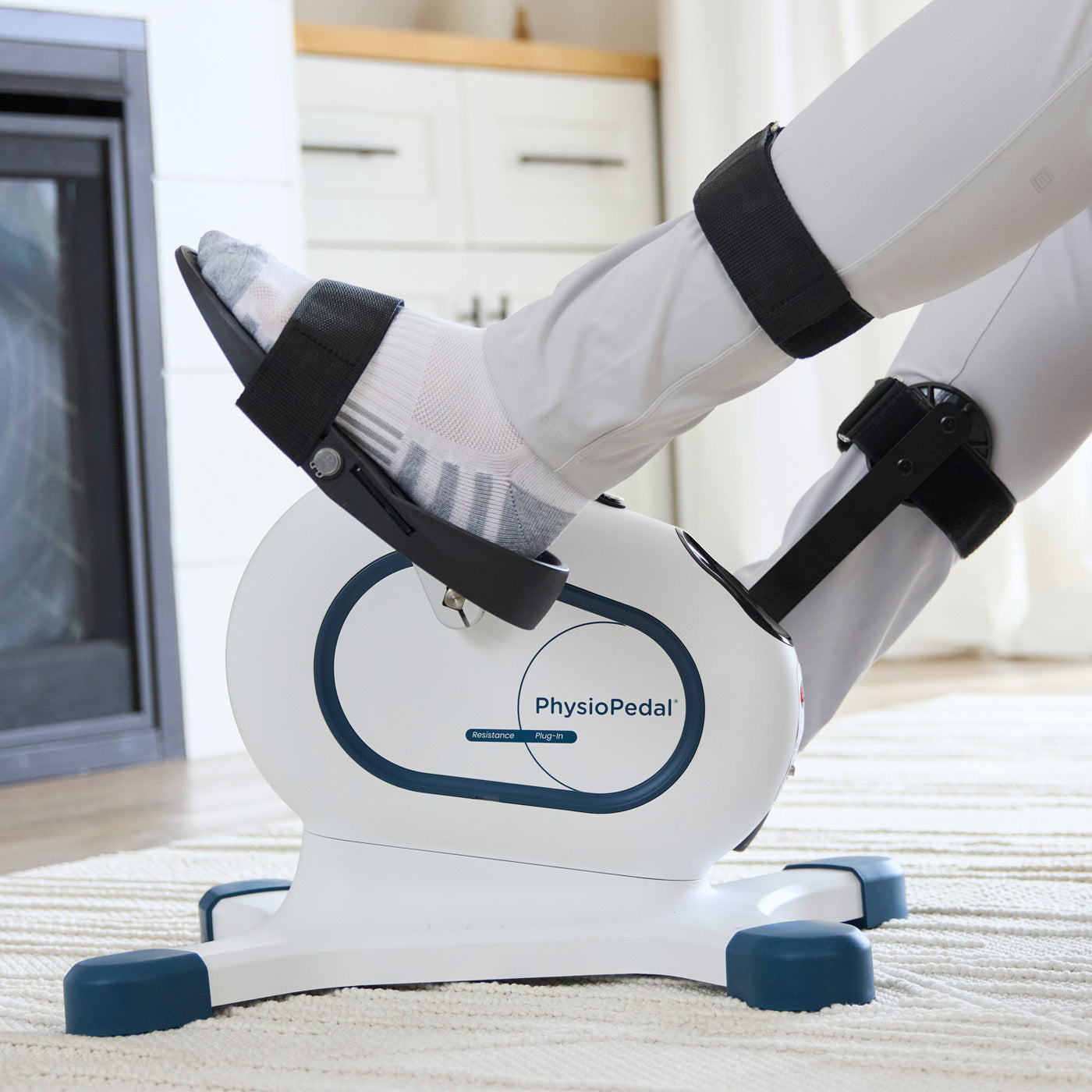

Assembly Video